
by Richard Thorne | Feb 18, 2026 | Help
<TLDR> Claiming and optimizing your Google Business Listing increases local visibility, improves search rankings, and helps customers find your business. Setup involves creating a profile, verifying your business, adding accurate info, images, and optimizing for... by Richard Thorne | Apr 2, 2025 | Help
If your WordPress site is displaying ‘Error establishing a database connection’, follow these steps to resolve it. Step 1: Check If the Database Server is Down Try accessing phpMyAdmin from your hosting panel. If phpMyAdmin doesn’t load, your database... by Richard Thorne | Mar 27, 2025 | Help
If your WordPress site is stuck in maintenance mode after an update, follow these steps to resolve it. Step 1: Refresh Your Browser Press F5 or Ctrl + R to reload the page. Try accessing your site from a different browser or in incognito mode. Step 2: Delete the... by Richard Thorne | Mar 27, 2025 | Help
If your WordPress site is showing a ‘429 Too Many Requests’ error, follow these steps to resolve the issue.Cause: Your site is getting hit with too many requests, often due to bots or overzealous security settings. Step 1: Check for Malicious or Excessive... by Richard Thorne | Mar 27, 2025 | Help
If your website is displaying ‘404 Page Not Found’ errors on certain pages, follow these steps to troubleshoot and resolve the issue. Step 1: Refresh the Page Press F5 or Ctrl + R to reload the page. Try opening the page in incognito mode to bypass caching... by Richard Thorne | Mar 26, 2025 | Help
403 Forbidden Error – Happens due to incorrect file permissions, security plugin restrictions, or server-side rules. If your website displays a ‘403 Forbidden’ error, follow these steps to resolve it. Step 1: Clear Your Browser Cache and Try Another...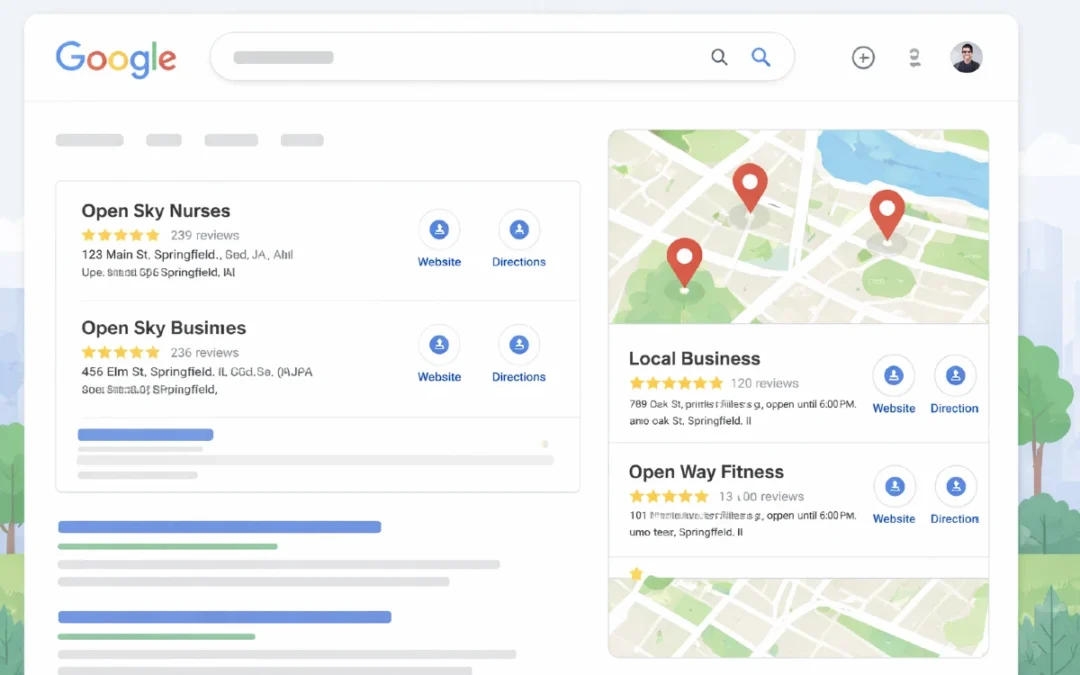

Recent Comments